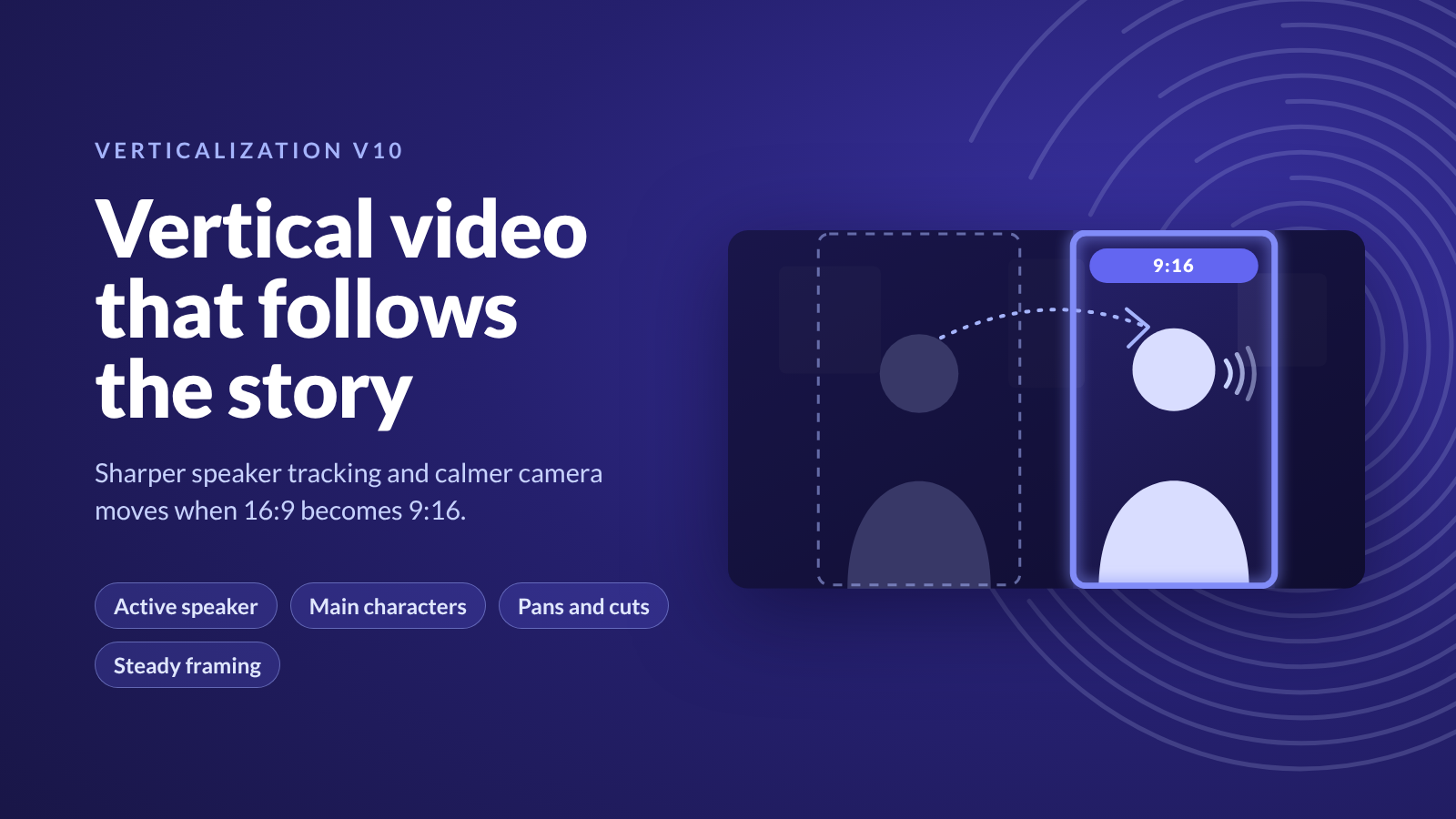
Our ML team has released Verticalization v10, a major update to how we turn horizontal video into vertical. The frame now follows whoever is speaking and moves between people the way an editor would. It also stays on the main characters and moves less when nothing in the shot calls for it.
Why Vertical Matters
Phones are now a main screen for video. In a 2025 survey by Hub Entertainment Research, 69% of US viewers who watch video weekly chose a smartphone for it, one point ahead of connected TVs. YouTube says Shorts, its vertical format, averages more than 200 billion views a day.
Streaming services are building vertical into their own apps. Disney+ launched Verts, a vertical feed of clips from its catalog, in its US mobile app in March 2026, after first adding it to the ESPN app. Netflix introduced Clips, a vertical feed of highlights from its shows and films, as part of a mobile app redesign in April 2026.
The shift reaches well beyond film and drama. Peacock now streams live NBA games in a 9:16 format on mobile. In news, 65% of people across the markets in the Reuters Institute Digital News Report 2025 use social video for news, up from 52% in 2020. Reality shows, talk shows and podcasts are built on conversation, so the vertical frame has to keep up with who is speaking.
Thumbnails need the same care. On phones, titles are often shown as portrait tiles, and a vertical thumbnail cut from a widescreen frame has to keep the right person in view. The framing decisions that make a good vertical clip also make a good vertical thumbnail.
Doing this by hand is not practical at the scale of a full catalog, so Verticalization makes these choices automatically, frame by frame. We wrote more about the shift in Why Everyone Is Talking About Vertical Video.
How Verticalization Works
Verticalization converts horizontal 16:9 video into vertical 9:16 by deciding, frame by frame, where to place the vertical frame. Inside each shot, it follows the person who is speaking. If no one is speaking, it follows the main character. If no one is on screen, it follows the action. Otherwise, the frame stays centered.
Several models work together to make that call, including shot boundary detection, character tracking and active speaker detection.
What's New
In each clip, the bright area is the vertical frame Verticalization picks, and the dimmed area is the part of the widescreen frame it leaves out.
Follows the Conversation
The frame tracks whoever is speaking, using a model that watches lip movement to tell who is talking. Previous versions worked out who was speaking from how much screen time each character had.
When the speaker changes, the frame pans smoothly between people standing close together and cuts cleanly between people far apart, the way an editor would.
Keeps the Focus on the Main Characters
The frame stays on the people who drive the story. When a main character shares the screen with a stunt double, an extra or a secondary character, v10 keeps the main character in frame.
Steady Shots When No One Is on Screen
Establishing shots, car chases, explosions and other shots without characters get a calm frame that only moves when the action clearly moves. Previous versions could drift back and forth between points of action.
Less Camera Jitter
The frame stays still as long as the character fits in it. Previous versions made small adjustments with every head movement.
Built by Our ML Team
Verticalization v10 comes from the Vionlabs ML team. Before release, the team compared v10 with the previous version on films where people had marked the ideal vertical framing, and reviewed the results clip by clip across films, series and podcasts.
We build and continuously improve our own AI models, trained specifically on entertainment content.
New to Vionlabs? Book a demo → and see Verticalization v10 on your own content.